Intensity level resolution
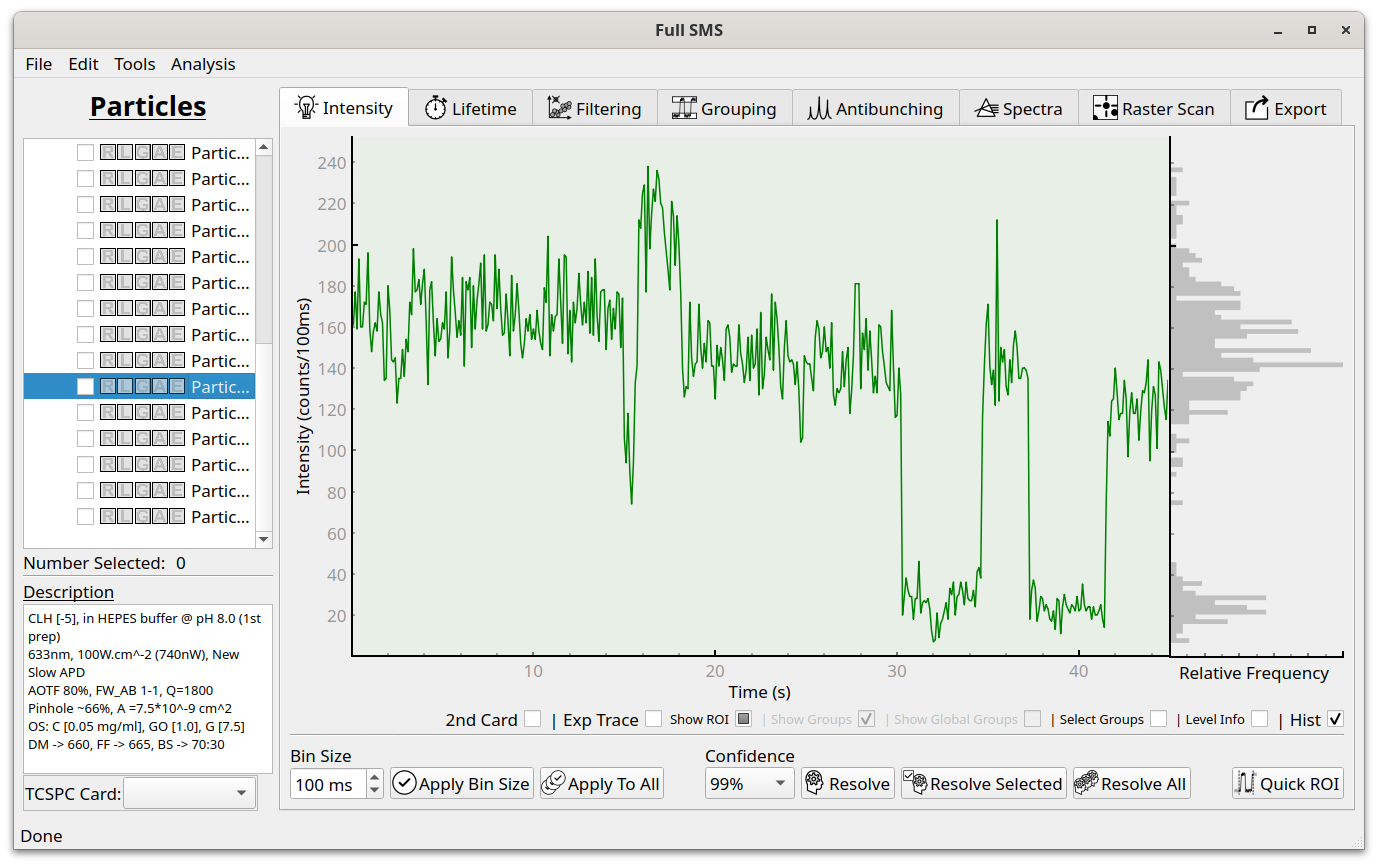
The Intensity tab shows the binned fluorescence intensity. The bin size can be changed using the control in the lower left, and applied to either the current particle or to all particles (this binning is only used for visual display and does not affect the change-point analysis). If two channels were recorded, the second channel intensity can be shown along with the first by selecting “2nd card”. If a pre-binned trace is included in the measurement file, it can be shown by selecting “Exp trace”. The region of interest can be hidden or edited by selecting “Show ROI”. On the right hand side of the trace, a histogram of intensities are shown.
Intensity levels can be resolved using change-point analysis in the “Intensity” tab. This will happen automatically upon loading a dataset, unless aborted by the user. First choose a confidence level, then click “Resolve” to resolve the current particle levels, “Resolve Selected” to resolve all selected particles, or “Resolve All” to resolve the levels for all particles.
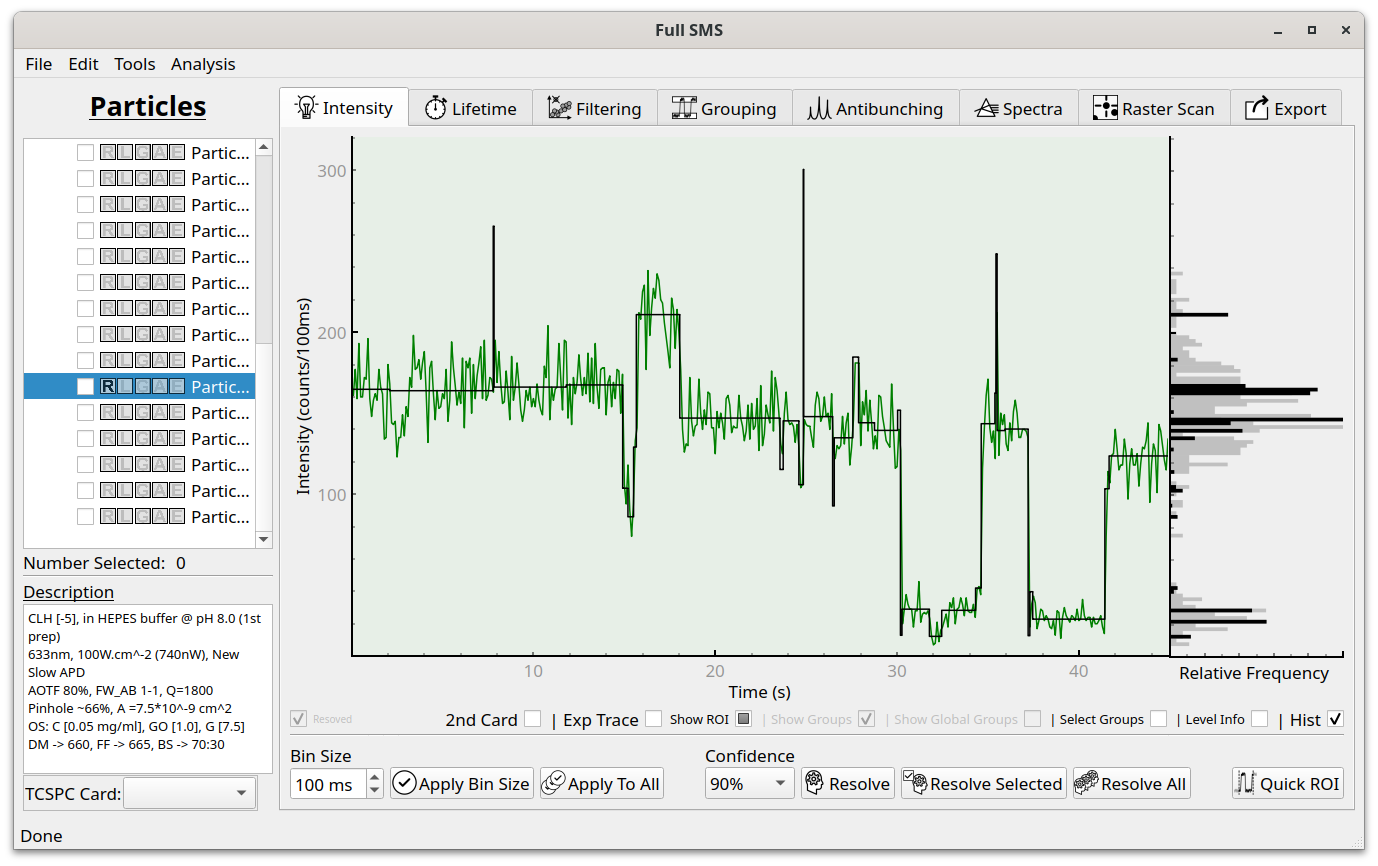
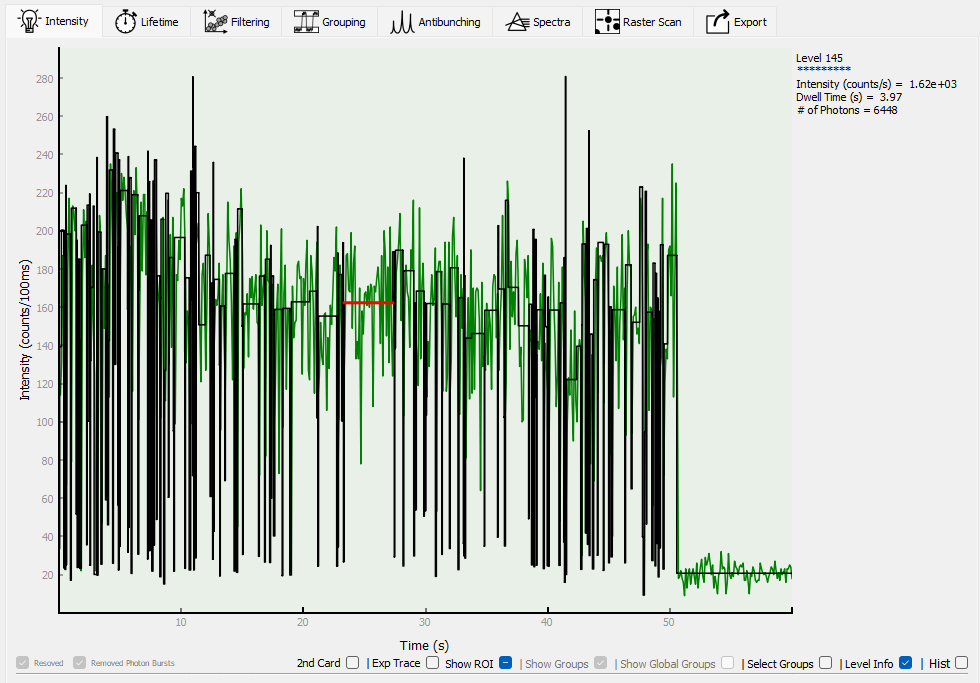
Resolved levels are now displayed over the intensity trace. The change-point analysis uses the algorithm from Watkins and Yang [1] and the confidence is a measure of how strict the algorithm is with deciding on a change point. A lower confidence will therefore result in more fitted levels - it is up to the user to decide the best value for their application. The pane on the right now shows a histogram of the binned intensities (grey) and a level-duration weighted distribution of the resolved intensity levels (black). More information is available about the whole trace, or a selected level, by selecting “Level Info”:
Whole trace info:
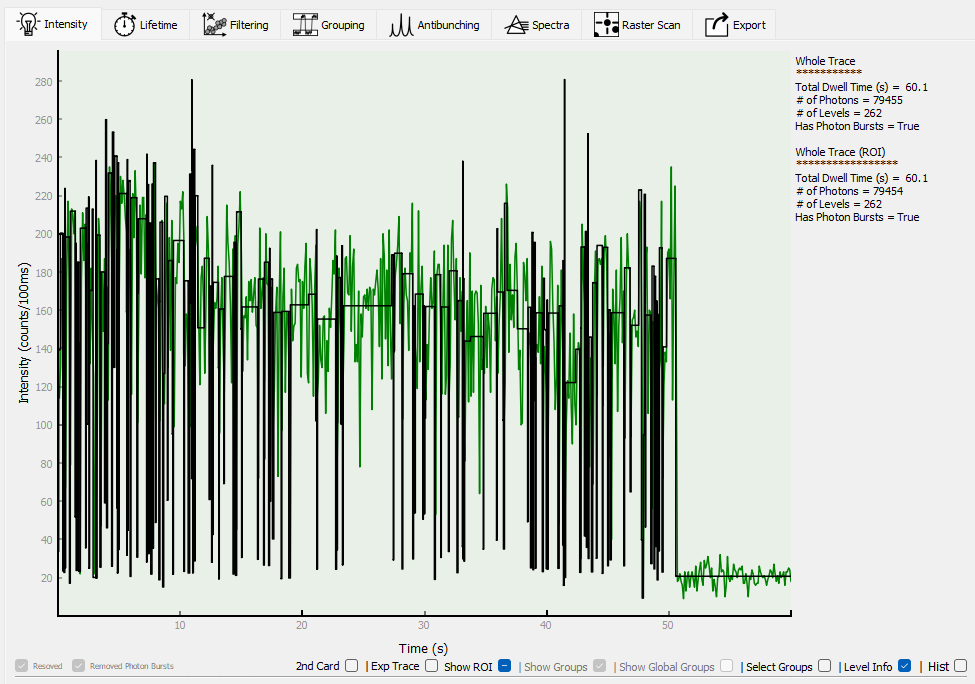
Single level info:
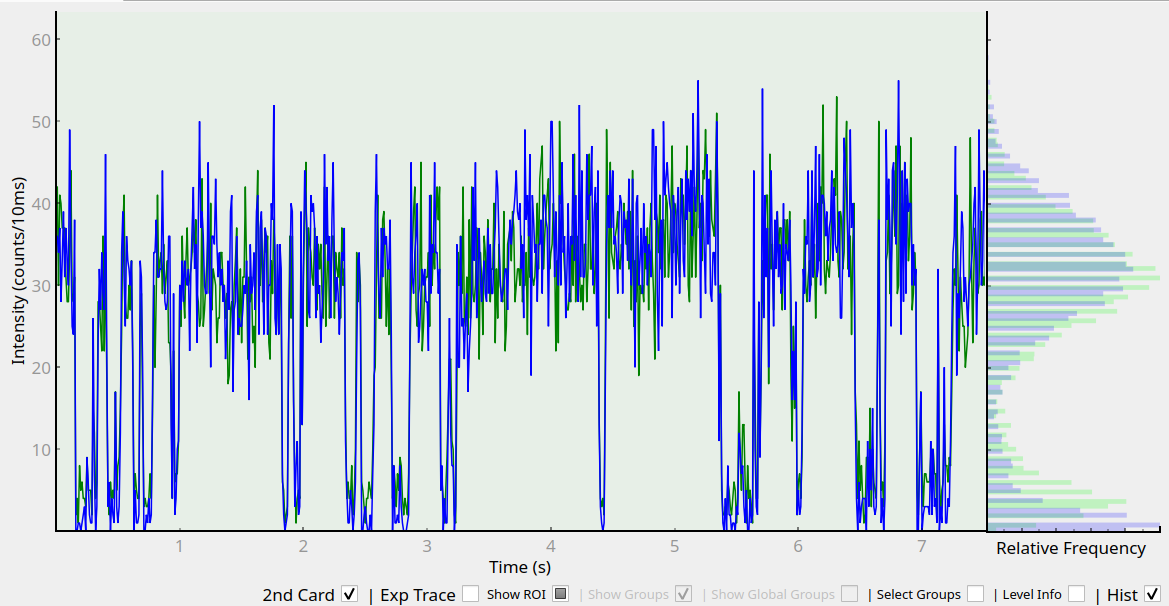
Two-channel data can be displayed by selecting “2nd Card”:
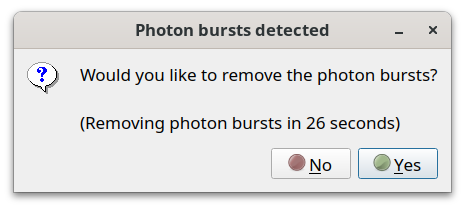
Sometimes, after resolving levels, a dialog will pop up to let you know that one or more “photon bursts” have been detected:
“Photon bursts” are extremely short, high intensity spikes that are sometimes found after resolving levels. They can be removed automatically.
Before:
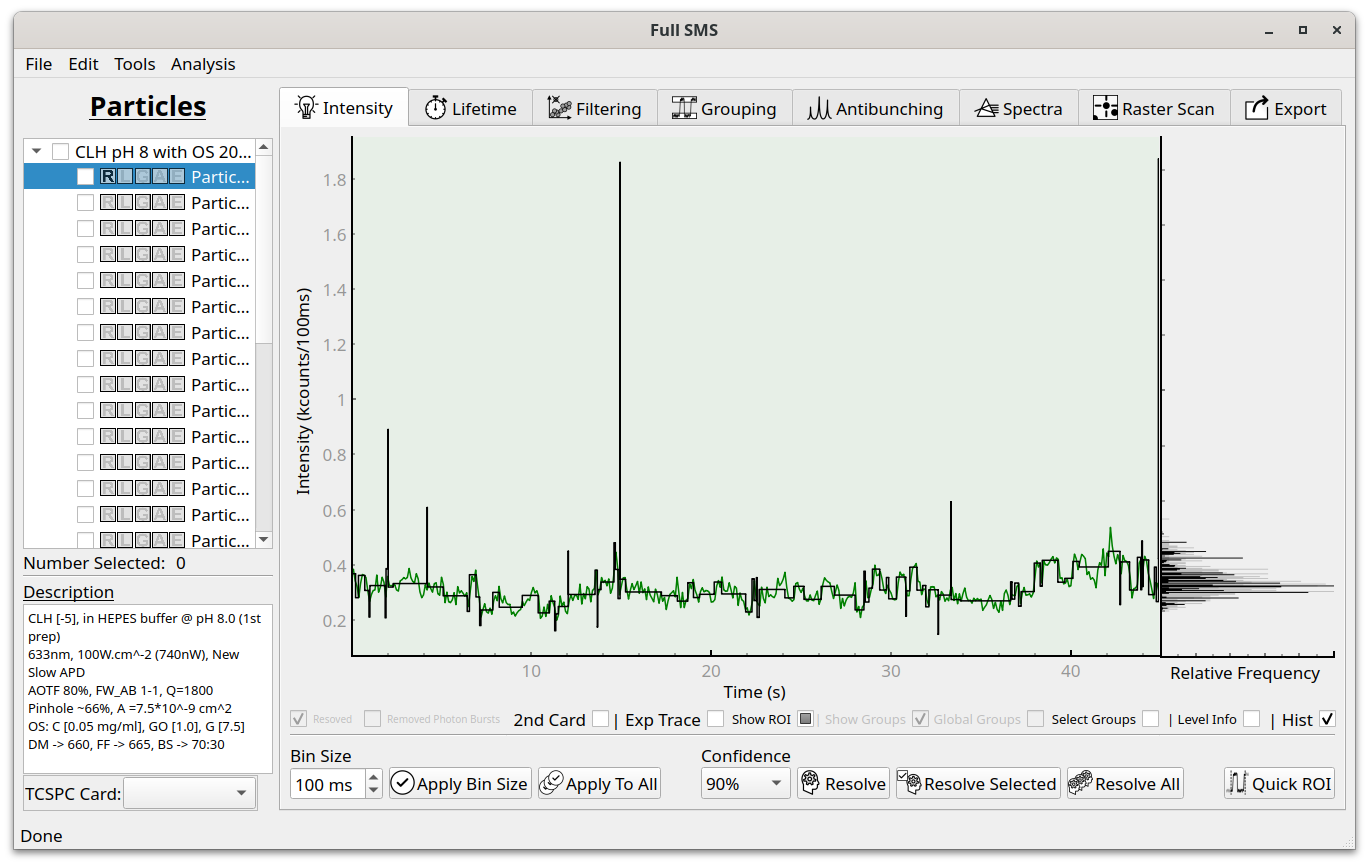
After: