Basic overview
The GUI looks like this:
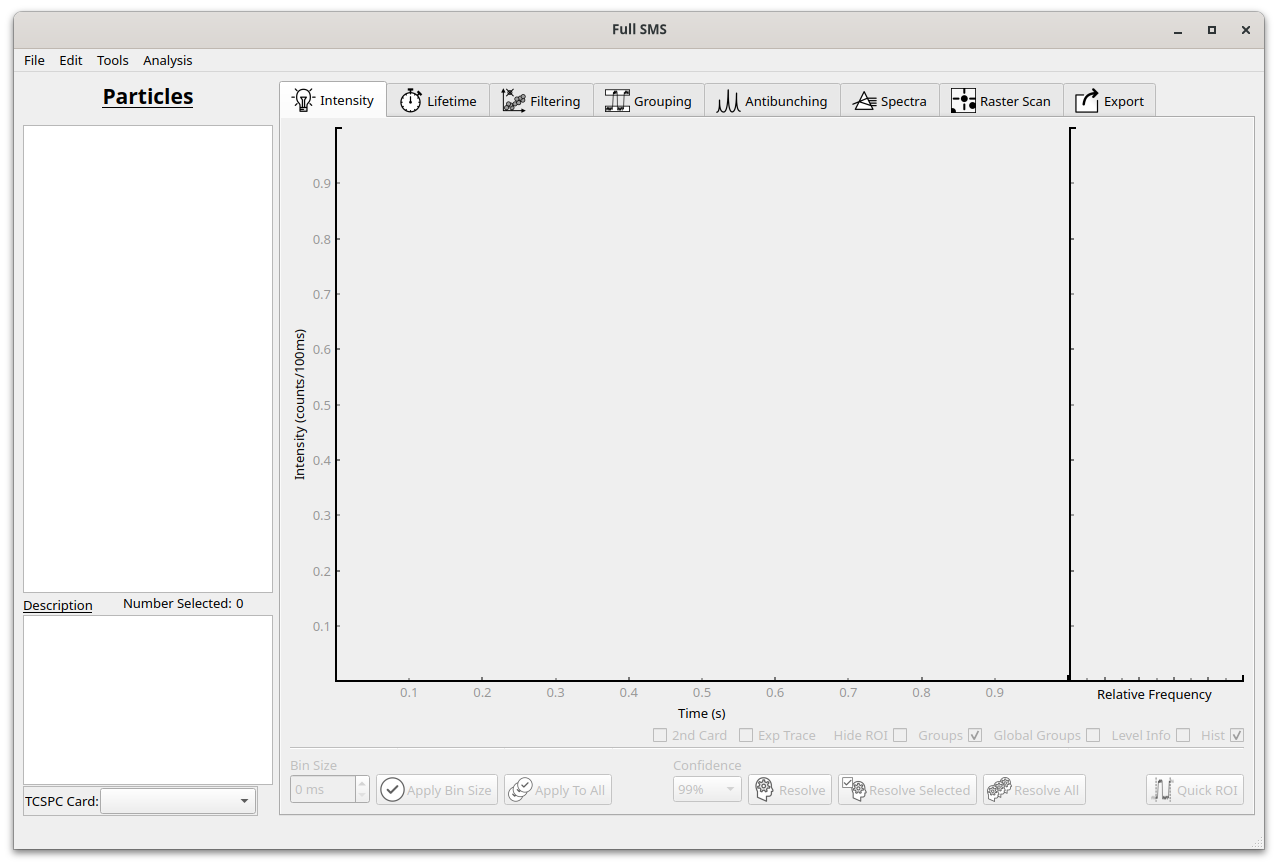
To open a file, click on File..Open HDF5.
A list of particles will appear in the left pane.
Different types of measurements can now be viewed and analysed using the tabs on the right.
Data can also be exported using the Exporting tab.
If two measurement channels were used, the secondary channel can be selected under “TCSPC card”.
For more information on the different types of analyses see the relevant section in the User’s guide.